 ControlSignage
Workplaces
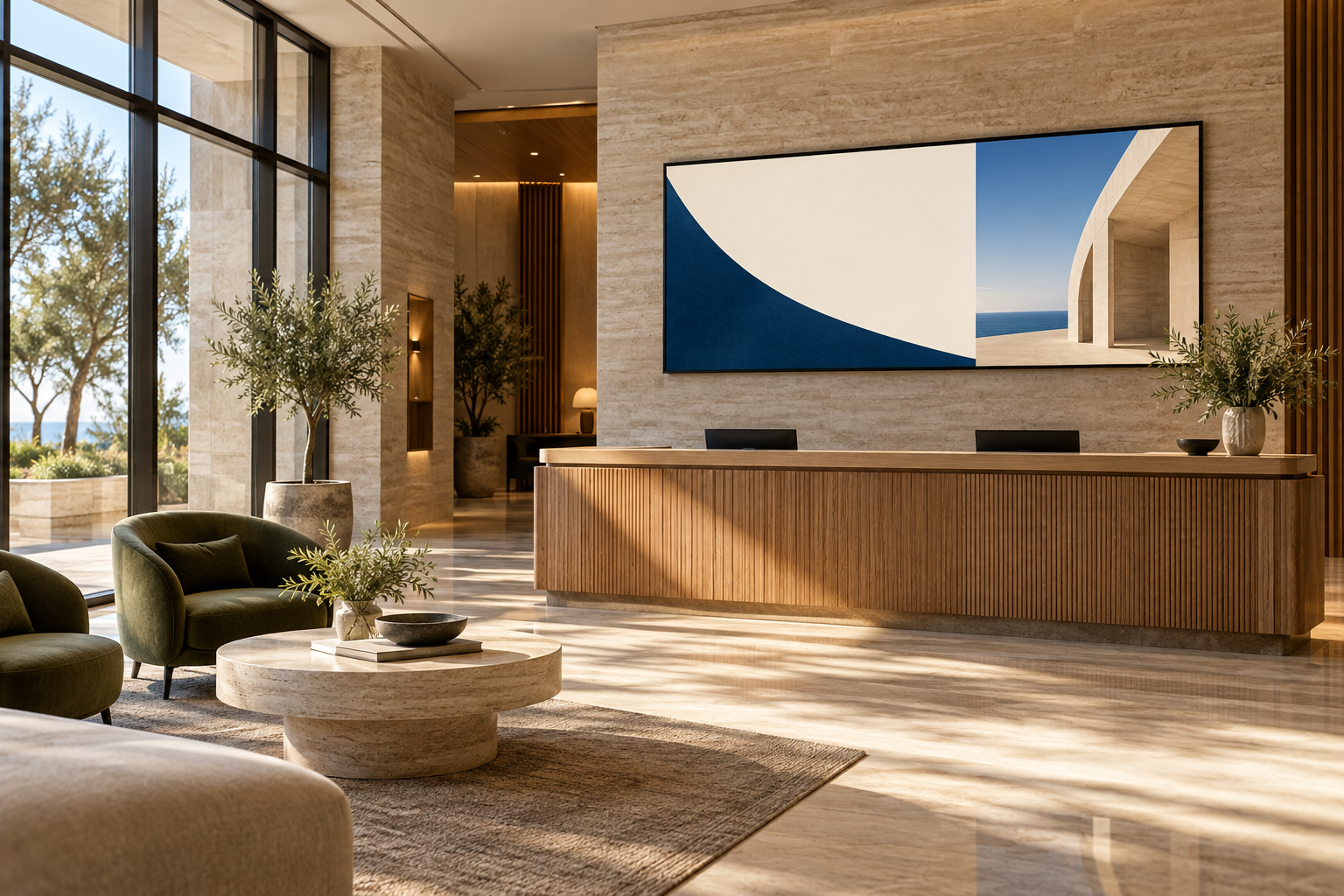
Welcome visitors, share internal announcements and highlight upcoming activities. Use different playlists for reception, team spaces and staff areas.
Content idea: a weekly welcome slide, company notices and a rotating team update.
DIGITAL SIGNAGE, IN YOUR WORLD
Start with the places and people you want to reach. Then build a practical content routine for every counter, entrance, reception area and shared space.
CAFÉS & RESTAURANTS
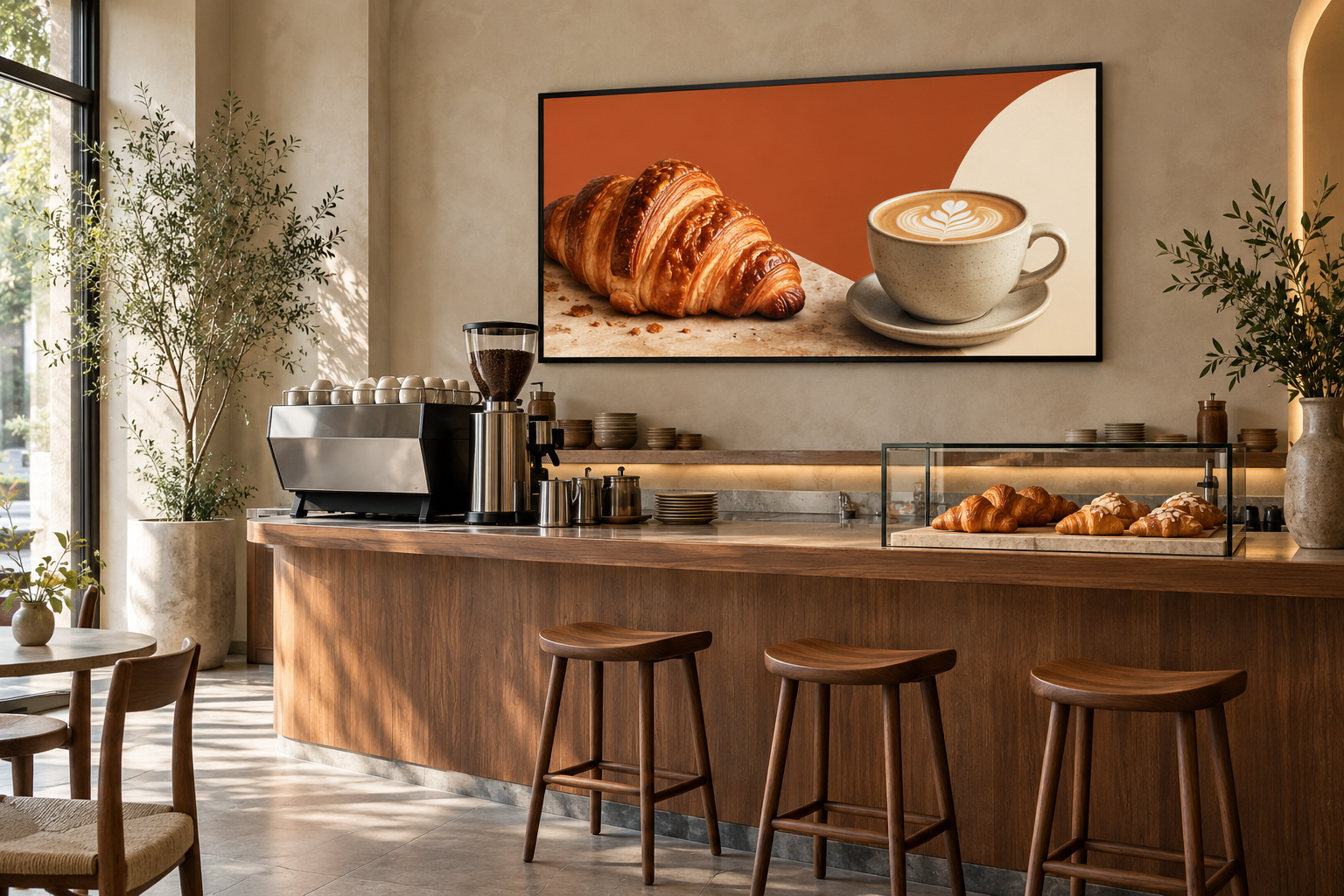
Put breakfast specials, seasonal drinks and evening offers on a schedule. Create a consistent message across branches while leaving room for a local favorite.
RETAIL & SHOWROOMS
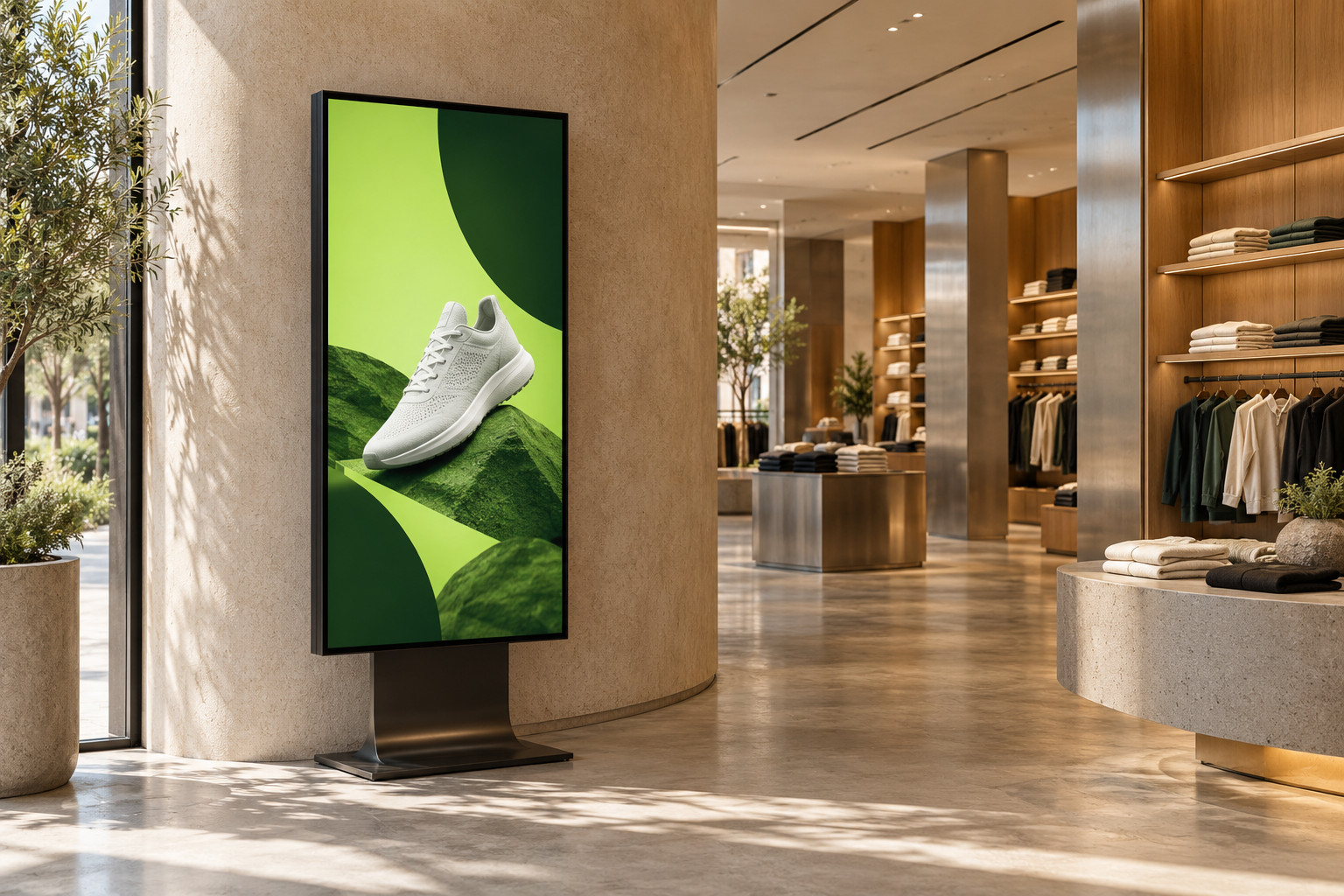
Give window displays, product zones and store entrances a common creative direction. Combine portrait and landscape media without sending the wrong shape to a screen.
HOTELS & HOSPITALITY
Use reception and shared-area displays for guest information, dining promotions and event notices. Keep content specific to the space instead of showing the same message everywhere.
KEEP SHARED SPACES INFORMED
Welcome visitors, share internal announcements and highlight upcoming activities. Use different playlists for reception, team spaces and staff areas.
Content idea: a weekly welcome slide, company notices and a rotating team update.
Display prepared class schedules, campus notices, event posters or membership promotions. Schedule routine information around the rhythm of the day.
Content idea: morning notices, afternoon activities and an evening event reminder.
These are suggested content workflows, not claims of live timetable, booking-system or emergency-broadcast integrations.
BUILD A SMALL PILOT FIRST
Choose up to three compatible players, add a few useful messages and test your workflow during the free month. Confirm hardware compatibility and content readability before expanding.
YOUR NEXT GREAT DISPLAY STARTS HERE
One month. Three devices. All the possibilities.
Start your free month No card needed. No automatic charges.